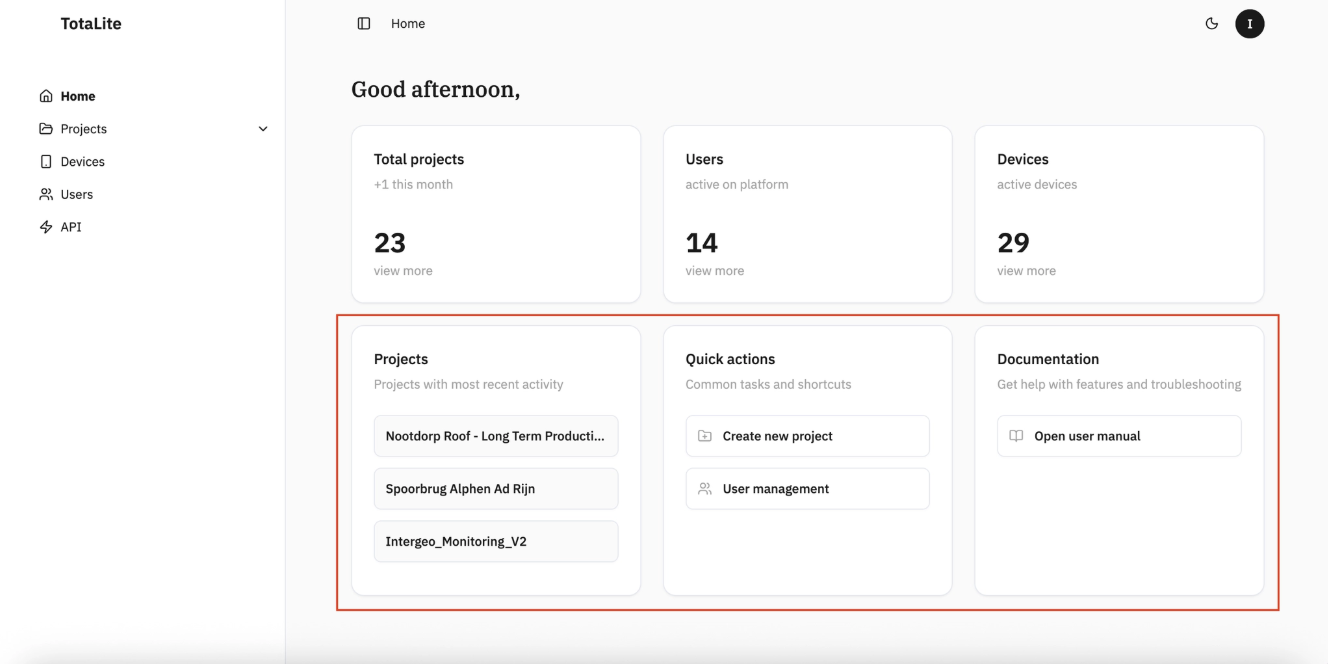
First steps on TotaLite Platform
Log in at app.totalite.io. You'll land on the Home Page — your starting point for everything in the platform.
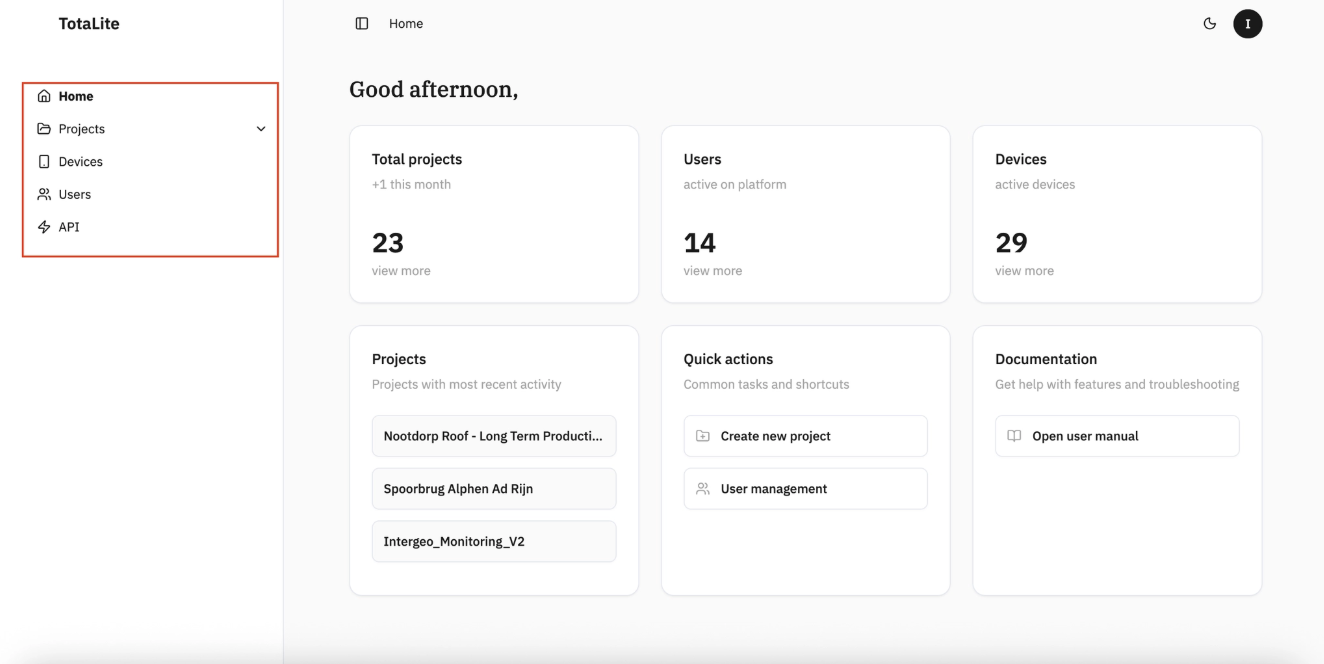
Left navigation panel gives you access to:
- Projects — your full list of monitoring projects, expandable on click
- Devices — all devices linked to your organisation
- Users — everyone connected to your organisation's account
- API — create and manage your API tokens
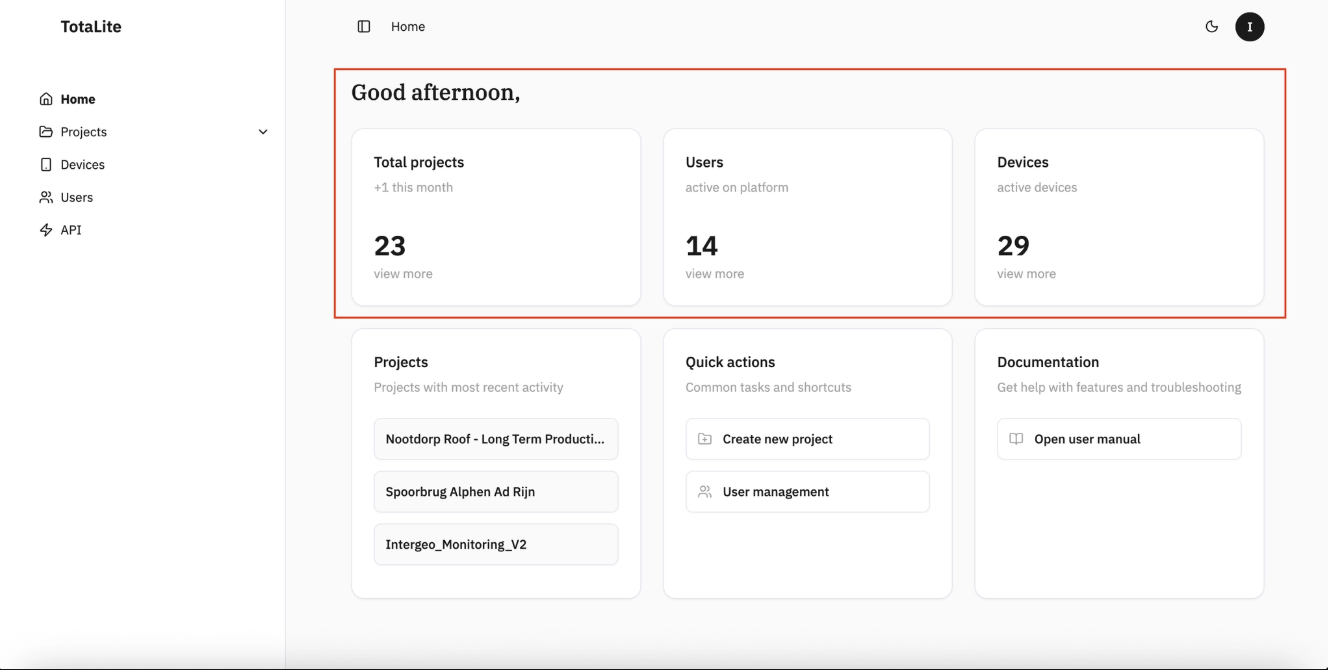
Centre dashboard shows a live overview of your organisation:
- Total projects
- Total users
- Total devices
Bottom section puts key actions within reach:
- Under Projects — jump directly to any project page
- Under Quick Actions — create a new project in one click
- Under Documentation — direct link to the TotaLite User Guide